




-
Grade Book
Whether doing traditional or standards-based grading, OnCourse's auto-saving Grade Book is a daily time-saver.
-
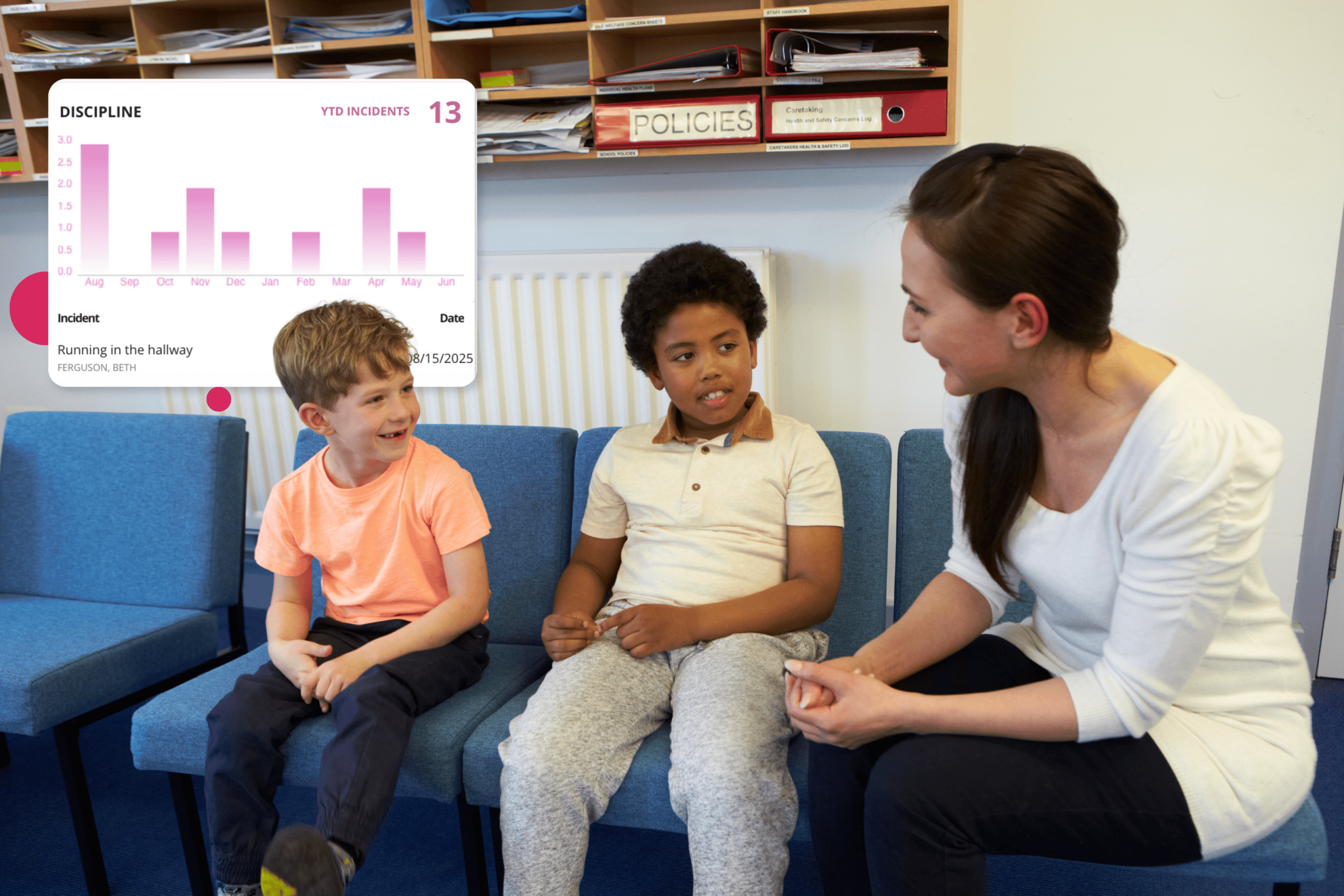
Discipline Tracker
Teachers can note student incidents or consequences from anywhere, sending instant feedback to admins or parents.
-
Attendance
Use a computer or mobile app to take a roll from a photo list or seating chart view, while seeing office notes instantly.
-
Messaging
Post student messages to the OnCourse Connect portal, or send e-mails that include recent grades or progress reports.
-
Student Story
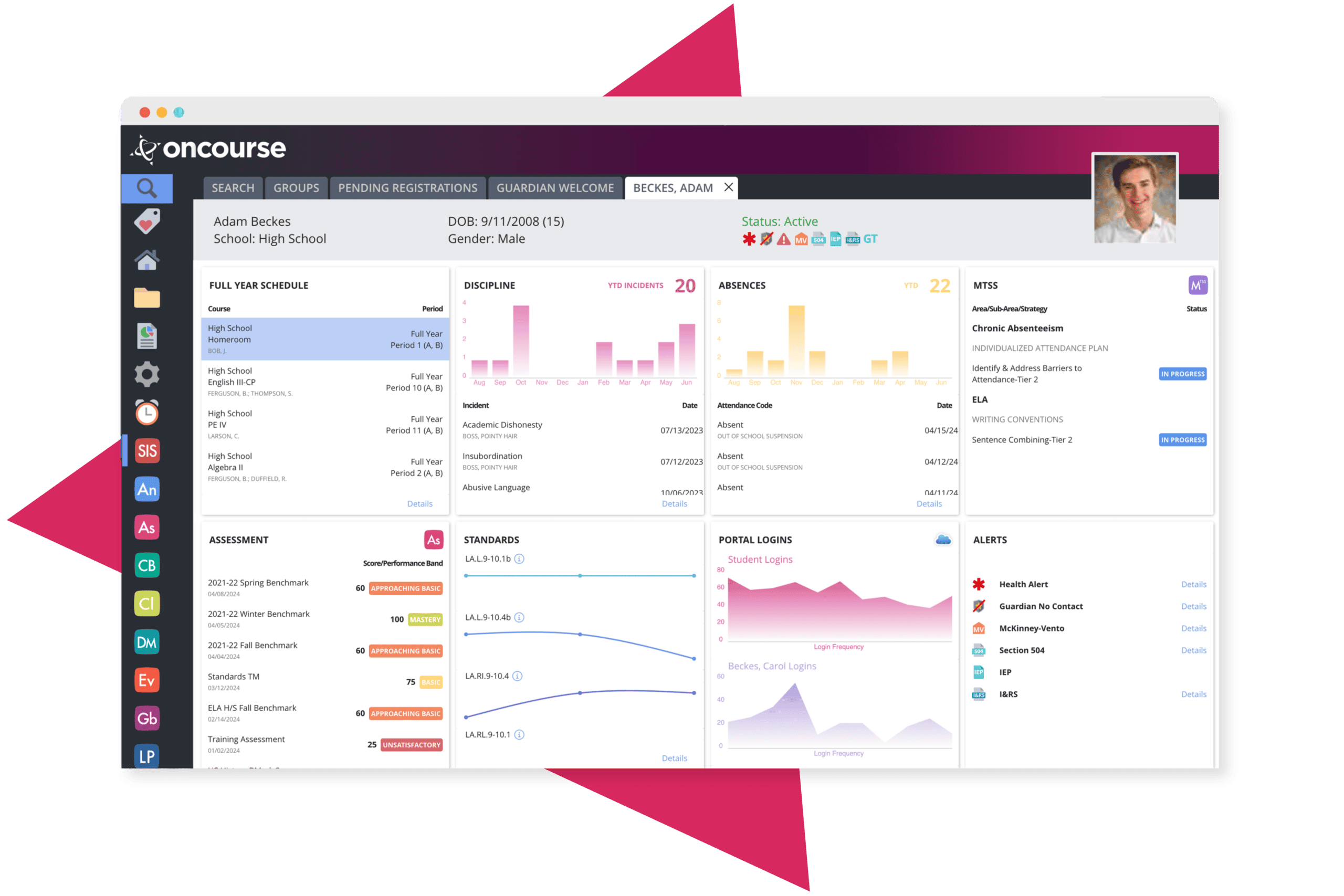
Have a one-stop shop to interact with all aspects of a student's career, 504 plans, interventions, e-portfolios, test scores, and much more.
-
Counselor Visits
Track important notes on a student's career, either shared confidentially with administrators or publicly with teachers that need them.
-
Graduation Pathways
Guide a student's trajectory toward graduation. In one place, manage their credit requirements, test scores, grades, diploma eligibility, and more.
-
Social-Emotional Care
Use OnCourse to securely track sensitive student events, like homelessness, custody arrangements, and "handle-with-care" incidents.
-
504 Tracker
Generate or review student 504 plans in an interactive, online document that can be published to teachers as needed.
-
Transcripts
Run fast transcripts with a single button, or view a student's academic history in one place, including GPA, honor roll, class rank, and volunteer activities.
-
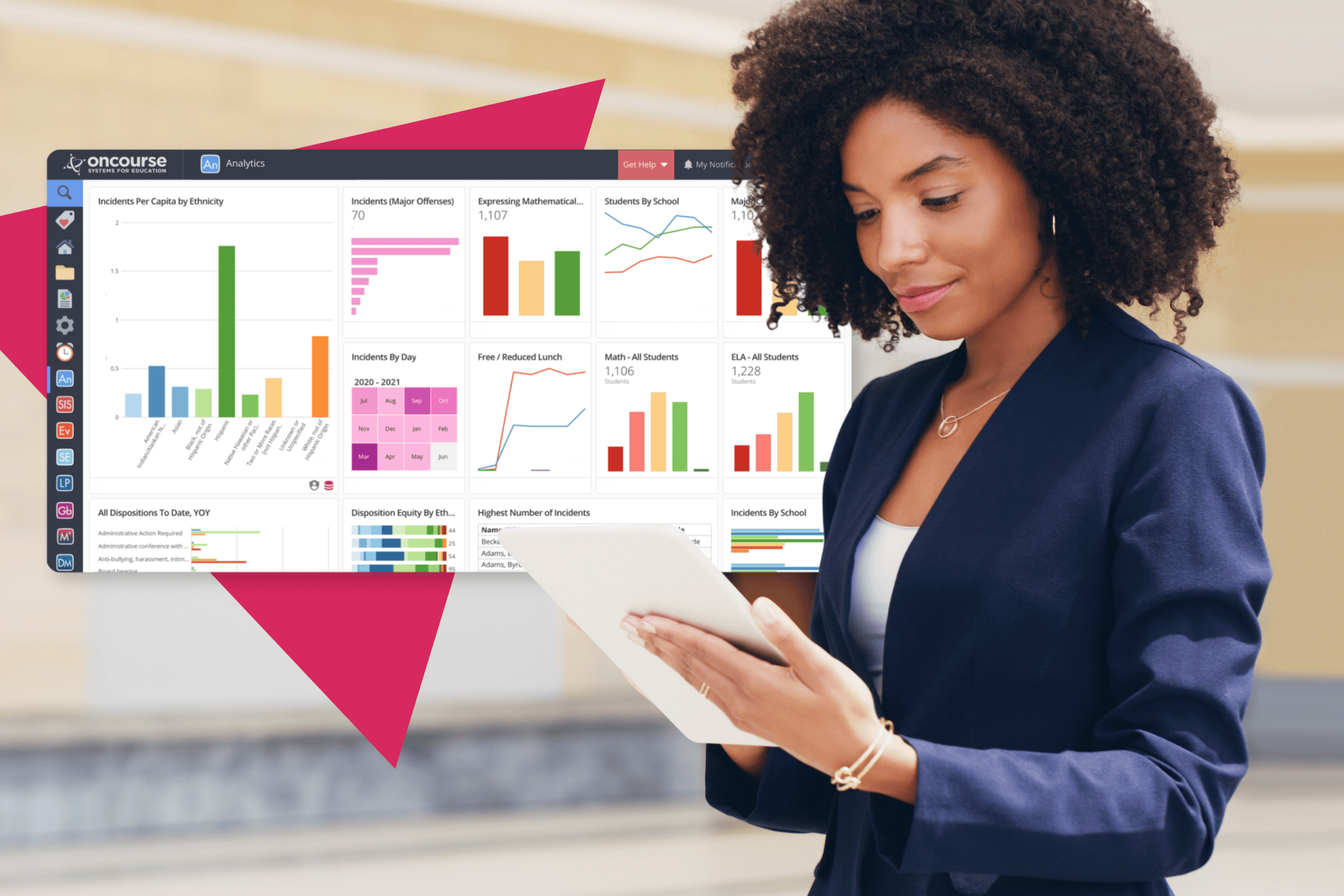
Analytics
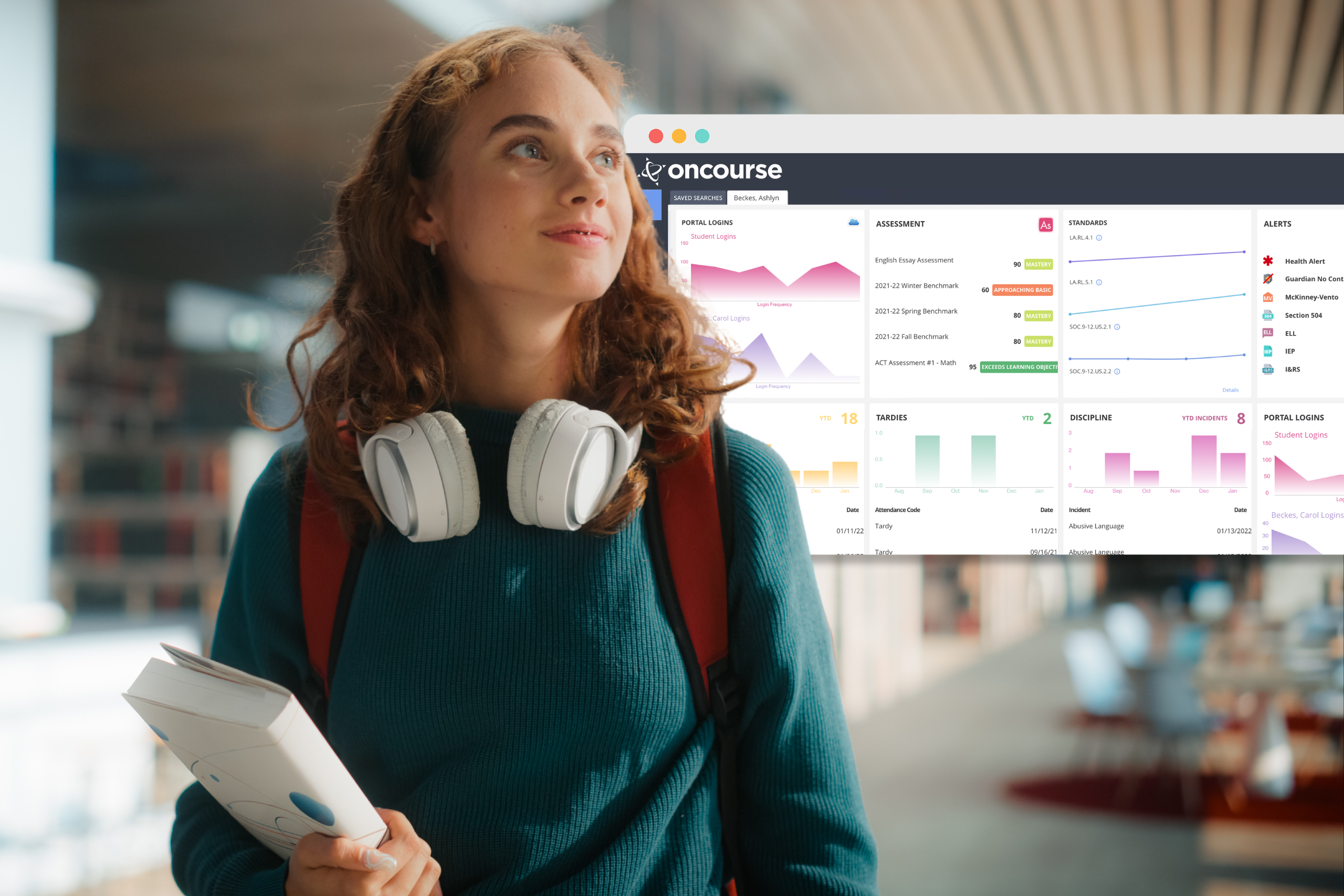
Get a birds-eye view of your school's activity, with visualized analytics for behavior, attendance, test scores, and enrollment.
-
Supervision
Administrators can peek into any aspect of their school's operations, from a teacher's live gradebook to a parent's exact view of the OnCourse Connect portal.
-
Parent Communication
Principals can communicate with their community in many ways, like generating letters or e-mails or posting announcements in the portal.
-
Reporting
Administrators have 500+ searchable reports for everything common purpose; grade distribution, portal logins, behavior referrals, etc.

-
System Permissions
Fine-tune access to OnCourse with customizable resource groups and comprehensive permissions to all system functions.
-
Customization
Authorized users can extensively customize their OnCourse suite, including SIS fields, registration forms, document templates, and more.
-
Batch Updating
Data managers have access to a powerful batch update utility that makes large-scale data tasks faster than ever.
-
Advanced Searching
Build your own custom queries with OnCourse's drag-and-drop report builder. Share them across buildings or resource groups.
-
State Reporting
Make submissions easier with OnCourse's curated approach to state reporting and data validation.
-
Online Registration
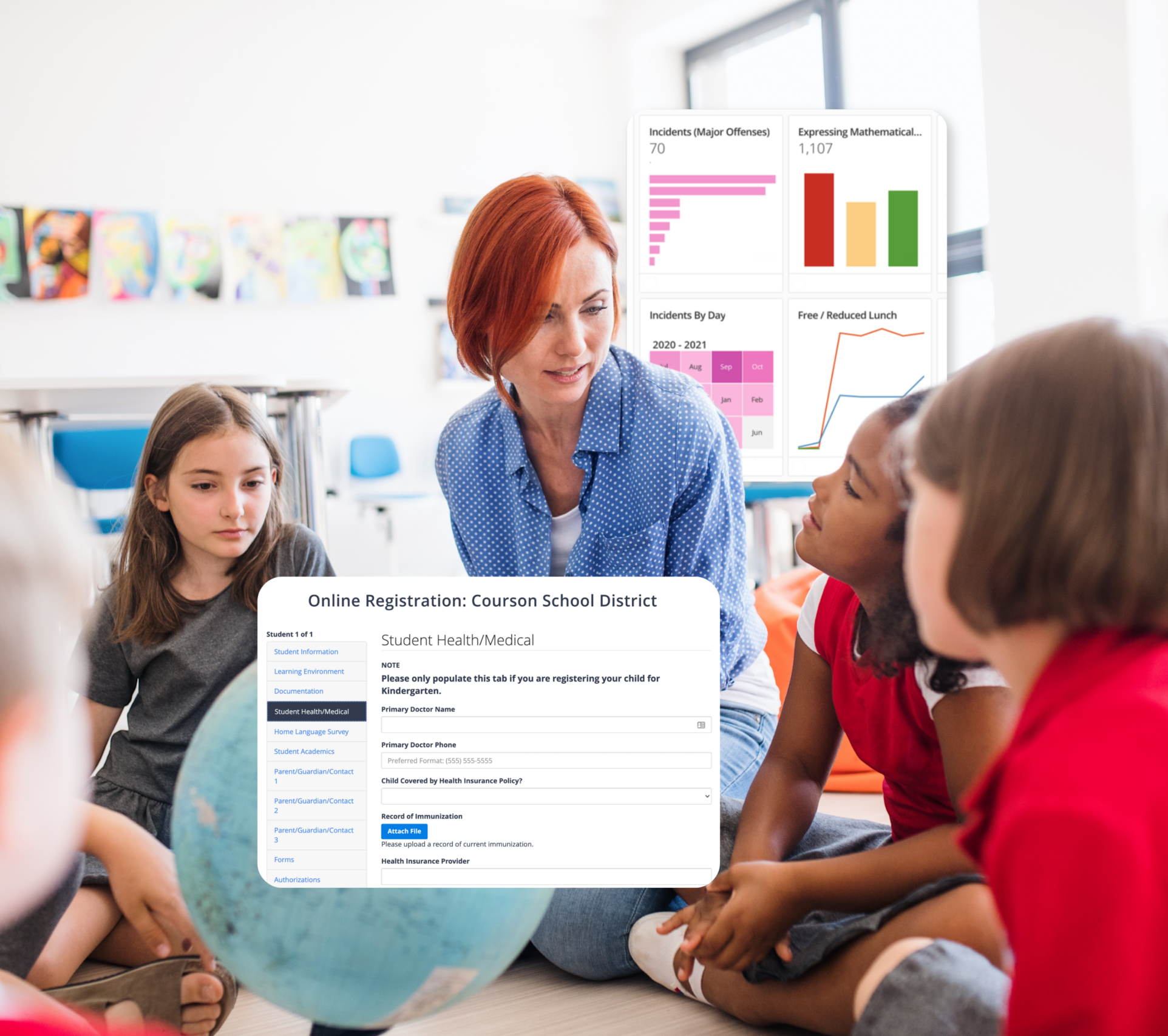
Save hundreds of hours in data entry by converting your new enrollment and summertime packets into digital forms.
-
Live Attendance
Track and update attendance on a color-coded dashboard, and create check-in slips with a single click.
-
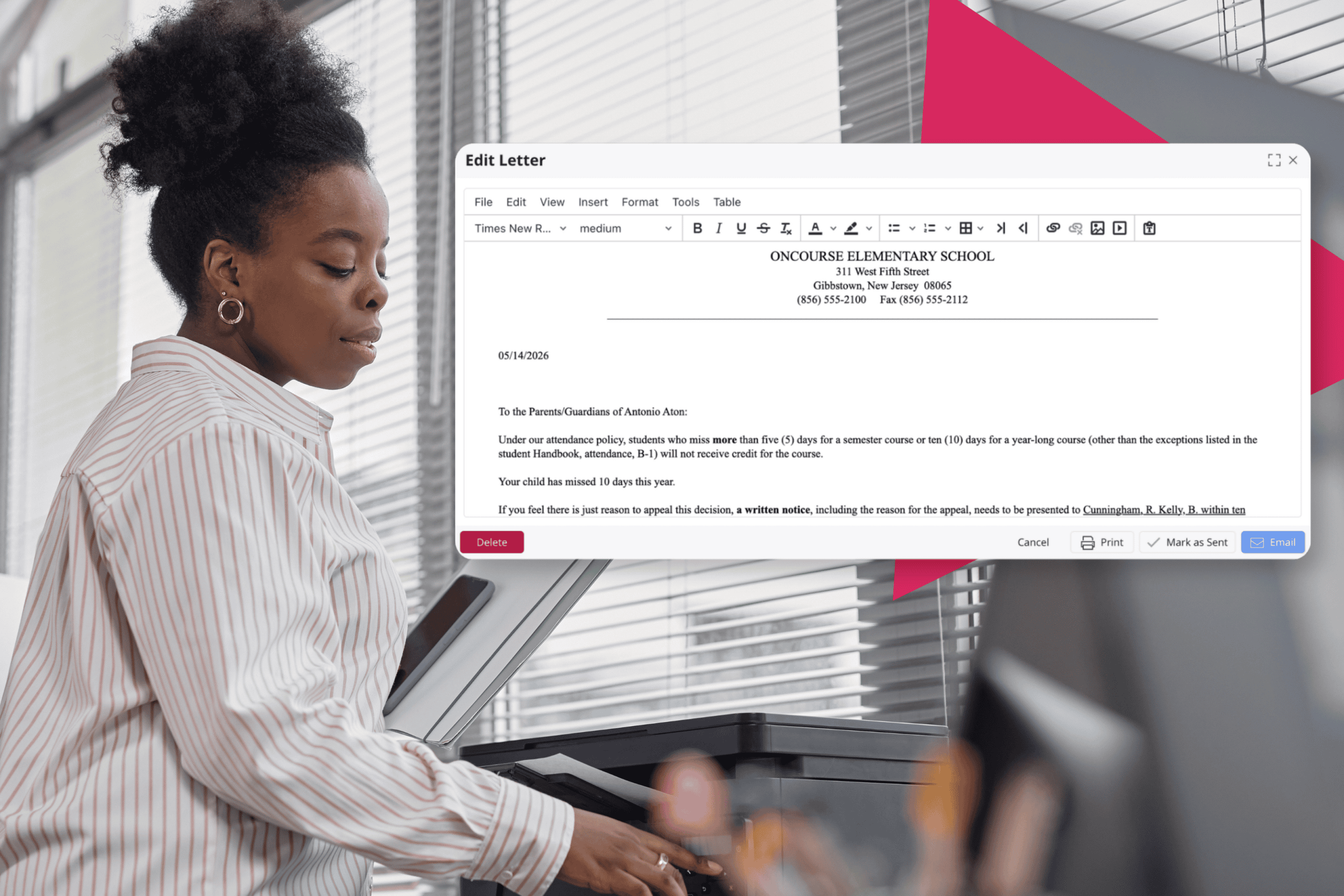
Letters & E-mails
OnCourse will automatically generate letters for absences, tardies, suspensions, etc., making it easy to print or e-mail to households.
-
Mail Merging
Use easy-to-use mail merge templates to create form letters, mailing labels, or any other print correspondence.
-
Reporting
Access a library of 500+ pre-made reports for everything your office needs, or use the "Advanced Search" to build and share your own.
-
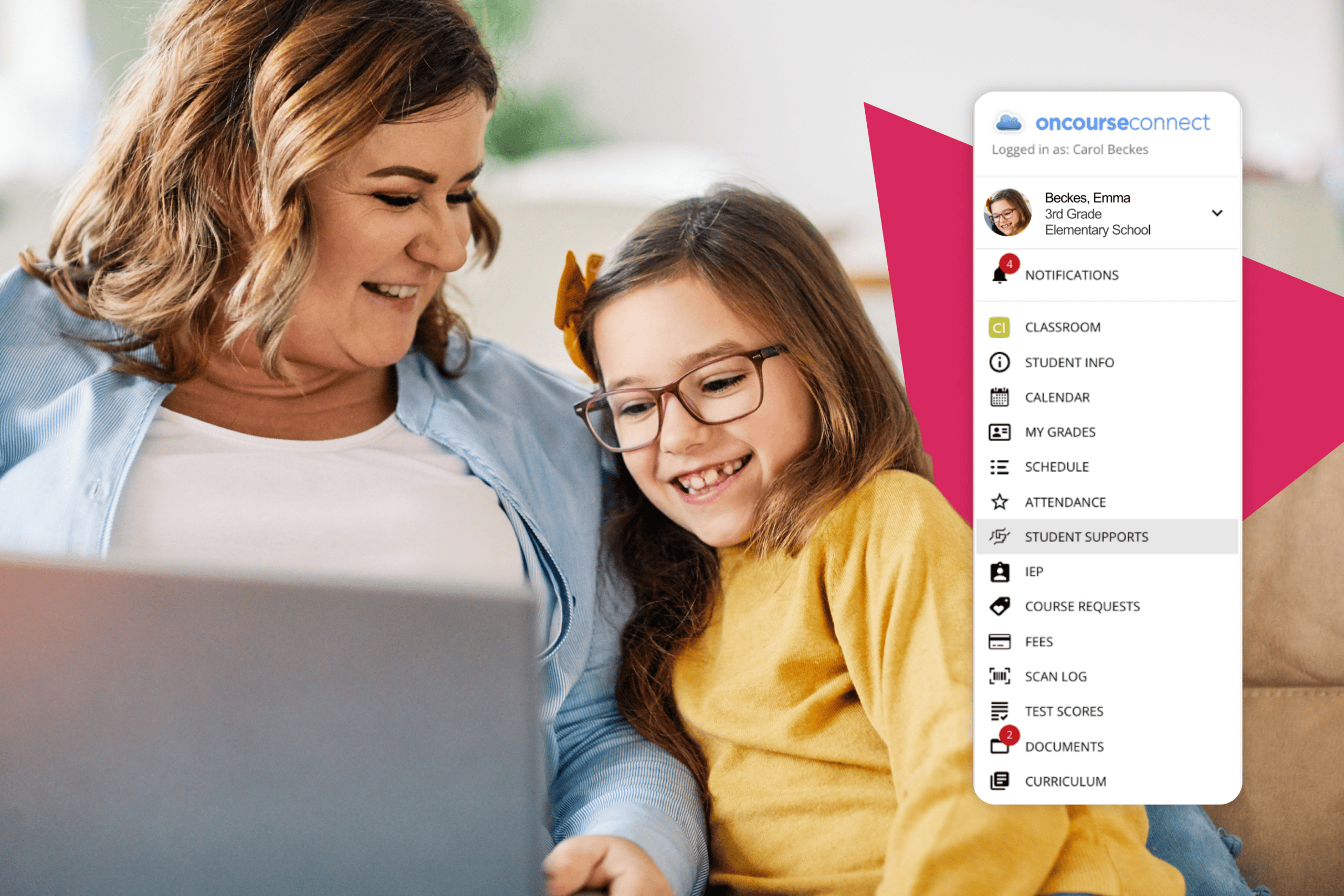
Academic Profile
Guardians can access the full academic history of each student with a single login, including grades, behavior, test scores, schedule, and transcripts.
-
Electronic Forms
Parents can complete forms without ever leaving home, like field trip permission, waivers, policy updates, etc.
-
Mobile Access
Guardians can access everything they need from their iOS or Android devices, making it easier to stay on top of important information.
-
Notifications
Parents can subscribe to notifications and be alerts about new grades, fees, school announcements, or messages from the teacher.